


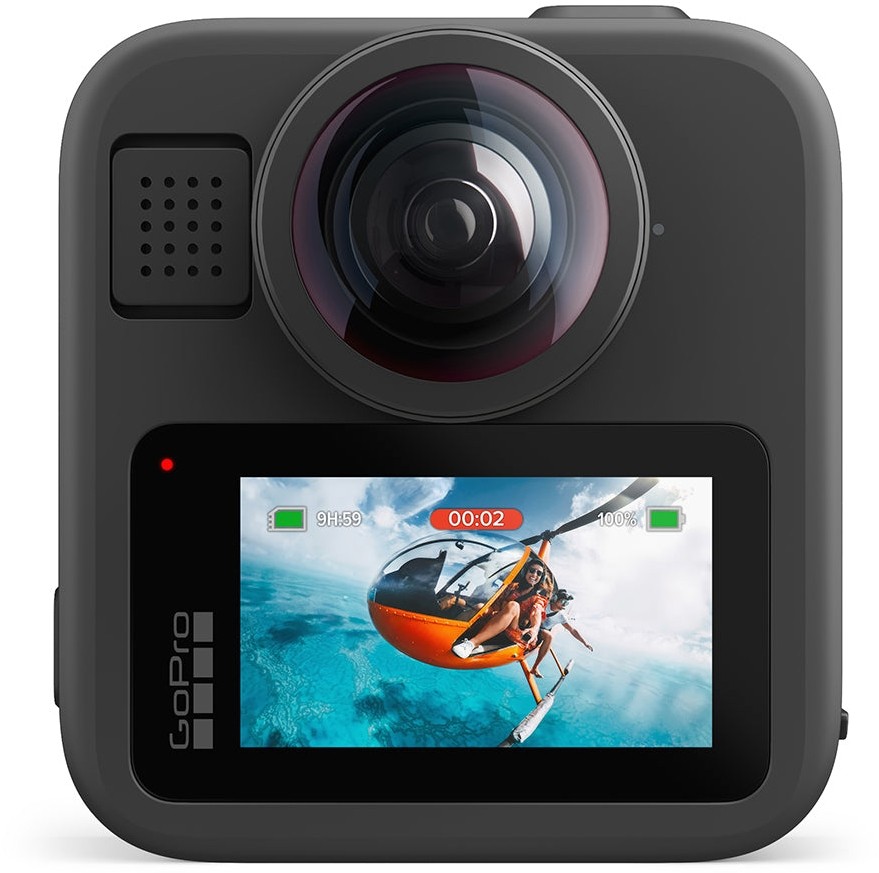
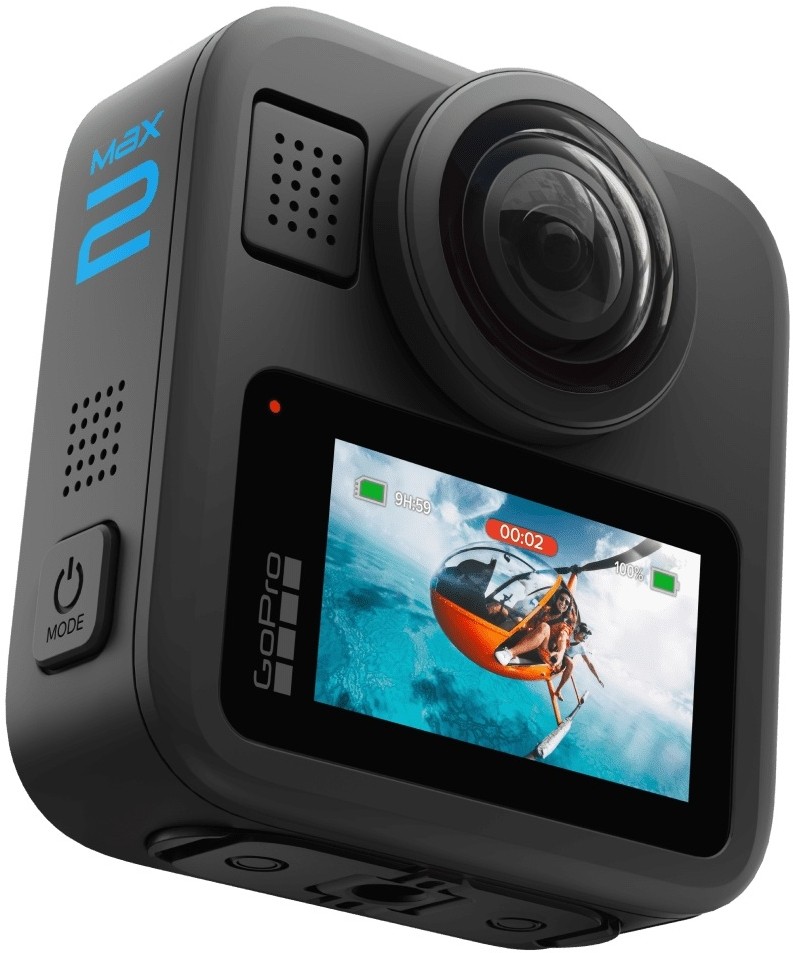
The GoPro MAX2 makes capturing mountain bike rides straightforward. The footage is crisp, downloading it is simple, and there’s plenty of choice over where you put the camera. During testing, I’ve used it on the seatpost, handlebars and elsewhere on the bike, as well as with a Chesty chest mount and a 360 invisible stick.
It’s a versatile setup for recording MTB and eMTB riding, but the experience isn’t equally polished throughout. Alongside the DJI Osmo 360 II I’ve been using, the GoPro feels less intuitive when choosing keyframes and cutting footage down into a finished video. Recording the ride is the easy part; editing it takes more getting used to.
GoPro MAX2
Crisp MTB footage, effective stabilisation and versatile mounting, with an editing workflow that takes more getting used to than DJI.
+ Pros
- Crisp, clear footage with well-controlled vibration
- Handles changing light and dappled shade well
- Easy downloads and still-image captures
- Wide choice of mounting positions and accessories
− Cons
- Keyframing and trimming feel less intuitive than DJI
- Additional mounting accessories increase the overall spend
Compare prices
MAX2 Specialty Bundle (CHDSZ-311-RW) · Verified totals first; unconfirmed offers follow.
Prices and availability may change. Prices last checked: 2026-10-05 13:10 UTC. Prices are checked when this guide is updated. Confirm the current price and availability with the retailer.
Our verdict
A capable camera for recording MTB and eMTB rides, with clear footage and stabilisation that smooths vibration and bigger bumps. Downloading and grabbing stills are straightforward, but DJI feels more intuitive when selecting keyframes and trimming clips. Budget for the mounts you actually need.
Key specifications
- Camera type
- 360-degree action camera
- 360 video
- Up to 8K at 30fps
- Single-lens video
- Up to 4K at 60fps
- 360 photos
- 29MP
- Waterproof rating
- 5m
- Lenses
- User-replaceable
- Mounts
- GoPro fingers; 1/4-20 thread; optional Magnetic Latch Mount
Testing the GoPro MAX2 on the bike
Mounting has long been a GoPro strength, and that carries through here. Being able to move the camera between the seatpost, bars and a chest mount gives you different ways to document a ride, rather than returning with the same perspective every time.
I’ve also used the 360 invisible stick, adding another option alongside the more familiar bike and body mounts. With a 360 camera, mounting position still matters: you can choose your viewing direction afterwards, but the camera’s physical position determines the perspective you have to work with.

That flexibility is useful whether you want to show the trail ahead, the rider or more of the surroundings. You don’t need every accessory to start filming, though, and the additional mounts come at extra cost. I’d work out which view you want most often before buying a collection of attachments.
Footage quality and rough trails
The footage has been consistently crisp and clear in my testing, with the camera’s stabilisation doing a good job of smoothing out vibration. Larger bumps are dampened in the resulting video, too, helping keep it watchable when the bike is moving around underneath you.
That’s particularly relevant to mountain biking. A camera can record plenty of detail, but if every ripple in the trail translates into distracting movement, the result becomes tiring to watch. The MAX2 has handled that side of the job well.
It has also coped well with changes in light, including the dappled shade you encounter beneath trees. Moving between brighter patches and shade hasn’t been a sticking point in the footage I’ve captured. For woodland riding, that’s a useful strength rather than a specification you only appreciate on paper.

Recording, downloading and taking stills
Capturing video is straightforward, as is basic playback when you want to check what you’ve recorded. Those everyday tasks feel accessible, without making the camera a chore to use during a ride.
Downloading footage has been simple, too. Getting files off the camera hasn’t been the frustrating part of the process, and taking screenshots from the recordings is easy. If you want a photograph to share alongside your ride, you can pull a moment from the video instead of having to stop and stage a separate shot.
GoPro MAX2 versus DJI: editing the footage
Editing is where I’ve preferred the DJI Osmo 360 II. Specifically, choosing keyframes and cutting recordings down feels easier and more intuitive in DJI’s workflow.
Keyframes let you set where the viewer looks at different points in a 360 video. They’re how you turn a recording of everything around the camera into a sequence with a chosen direction and movement.

The GoPro gives you that creative flexibility, but I haven’t found the process as natural. Basic recording and playback are easy; making decisions within the edit takes more thought. If you regularly come home with plenty of footage to sort through, that difference matters.
The competition
The DJI is the direct 360 alternative here; the HERO13 Black suits a different approach to filming. Our DJI Osmo 360 II versus GoPro MAX2 comparison looks more closely at the two 360 cameras.
DJI Osmo 360 II
The direct 360-camera comparison in our testing, with an editing workflow that felt more intuitive for selecting keyframes and trimming ride footage.

At Decathlon — Clever Stuff (International) Ltd
Osmo 360 II Limitless Riding Combo; includes Heavy-Duty Clamp Mount Kit
+ Pros
- More intuitive keyframing and trimming in our comparison
- 105GB of built-in storage
- User-replaceable lenses
− Cons
- Reframing 360 footage still adds an editing step
- Choose carefully between bundles with different accessories
Compare prices
Osmo 360 II Limitless Riding Combo; includes Heavy-Duty Clamp Mount Kit · Verified totals first; unconfirmed offers follow.
Prices and availability may change. Prices are checked when this guide is updated. Confirm the current price and availability with the retailer.
Our verdict
The closest alternative if you want 360 footage and put a high priority on the edit after a ride. In our side-by-side use, picking keyframes and cutting footage down felt more intuitive with DJI. The listed Limitless Riding Combo includes a Heavy-Duty Clamp Mount Kit; it is a different package from the Standard and Adventure Combos.
Key specifications
- Camera type
- 360-degree action camera
- 360 video
- Up to 8K at 60fps
- Built-in storage
- 105GB available
- Weight
- 183g (manufacturer)
- Waterproof rating
- 10m
- Lenses
- User-replaceable
- Listed bundle
- Limitless Riding Combo
Choose the DJI if the editing process is a priority: it’s the one I’ve found easier for keyframes and trimming. The riding bundle shown includes a clamp mount, so compare the accessories as well as the camera price.
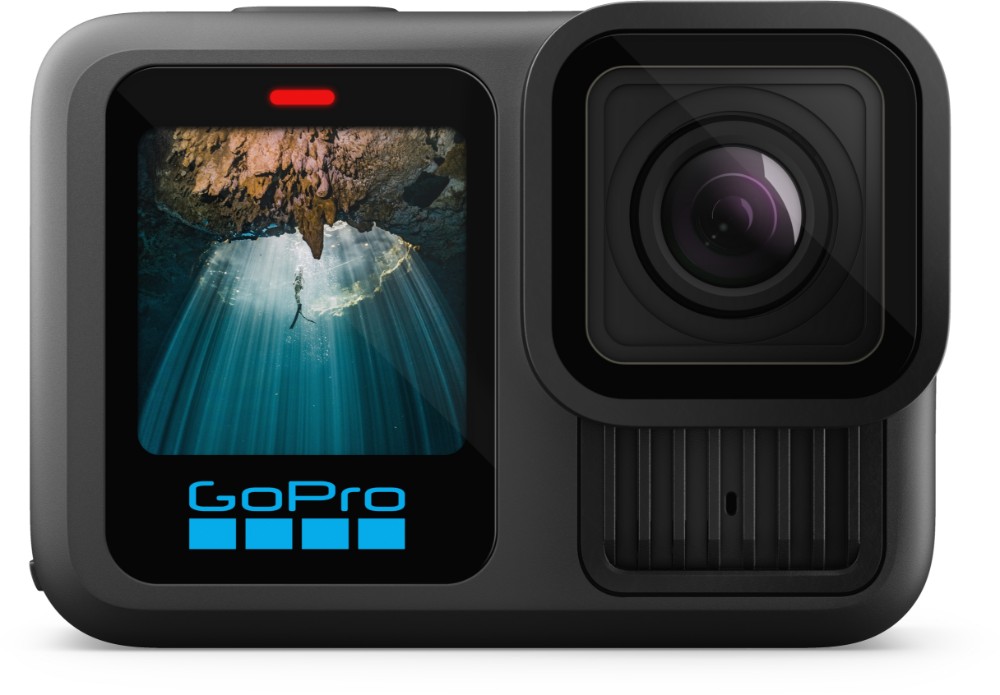
GoPro HERO13 Black
A conventional action camera for riders who want a chosen view down the trail without reframing a full 360 recording.
At Tredz
HERO13 Black Speciality Bundle, with 64GB microSD card and carrying case
+ Pros
- Conventional footage avoids 360 keyframing
- Broad GoPro mounting ecosystem
- Speciality Bundle includes a memory card and case
− Cons
- Cannot recover a view behind the camera after filming
- Additional lens mods and riding mounts cost extra
Compare prices
HERO13 Black Speciality Bundle, with 64GB microSD card and carrying case · Verified totals first; unconfirmed offers follow.
Prices and availability may change. Prices last checked: 2026-10-05 13:14 UTC. Prices are checked when this guide is updated. Confirm the current price and availability with the retailer.
Why it makes the shortlist
Consider the HERO13 Black if you mainly want a chest- or bar-mounted view of the trail. It records a chosen direction rather than the full scene around you, so you give up the MAX2’s freedom to select a new angle afterwards. This is a researched alternative, not a hands-on verdict.
Key specifications
- Camera type
- Conventional action camera
- Video
- Up to 5.3K
- 360 capture
- No
- Bundle
- 64GB microSD card and carrying case
The HERO13 Black is worth considering if you mainly want a view down the trail. It records up to 5.3K video rather than a full 360 scene, so you lose the ability to turn the view behind you afterwards. It is a researched alternative here, not a camera I’m claiming to have tested for this review.
GoPro MAX2 verdict
The GoPro MAX2 gets a lot right for MTB and eMTB riding. Clear footage, effective stabilisation and good handling of changing light give it a strong foundation, while the mounting options leave plenty of room to experiment.
My reservation is the editing workflow. DJI has felt more intuitive for selecting keyframes and trimming clips, even though downloading and reviewing the GoPro footage is straightforward. The MAX2 is a capable riding camera, but the experience after the ride deserves as much consideration as the footage itself.
GoPro MAX2 FAQs
Is the GoPro MAX2 good for mountain biking?
In our testing, it produced crisp footage, smoothed out trail vibration and handled changes between light and dappled shade well. Its mounting options also make it versatile for MTB and eMTB riding, although additional mounts cost extra.
Can you use the GoPro MAX2 without filming in 360?
Yes. The MAX2 offers single-lens recording at up to 4K/60fps. That lets you record a conventional view when you don’t need footage of the whole scene around the camera.
Where can you mount the GoPro MAX2 on a mountain bike?
We used seatpost and handlebar positions, a Chesty chest mount and a 360 invisible stick. Choose an attachment designed for the position and load, follow its fitting instructions and keep it clear of controls and moving parts.
Can you take photos from GoPro MAX2 video?
Yes. Pulling still images from the footage was straightforward in our testing. The final detail depends on the recording, movement and how tightly you crop the image; a frame grab is not automatically equivalent to a full-resolution still photograph.
Is the GoPro MAX2 waterproof, and can its lenses be replaced?
GoPro rates the MAX2 as waterproof to 5m with its doors closed and lenses correctly fitted. The lenses are user-replaceable if damaged. Neither feature makes the camera immune to crash damage, so protect the lenses in transit and follow GoPro’s fitting and care instructions.
Is the GoPro MAX2 easier to edit than the DJI Osmo 360 II?
Not in our comparison. We found the DJI workflow more intuitive for choosing keyframes and trimming recordings. The GoPro was straightforward for recording, downloading and basic playback, so the difference was most noticeable when putting the edit together.